
Test, refine, and
accelerate development.
Clickable prototypes let you test, refine, and validate your idea before writing a single line of code. Save time, cut development costs, and ship with confidence.

Enhance communication. Validate ideas. Ship faster.
A clickable prototype isn't just a design tool — it's your fastest path from idea to clarity. Here's what it unlocks:
Enhance collaboration
Bring stakeholders, designers, and developers onto the same page — literally.
Validate with users
Test your concept with real users before writing a single line of production code.
Refine user flows
Ensure intuitive navigation and identify UX issues before they become expensive.
Reduce development costs
Identify risks early, saving significant time and money on software development.
Comprehensive prototype solutions.
From websites to mobile apps — we build clickable prototypes for every kind of digital product, using Figma's robust design system.
Website Design
Build beautiful, functional website prototypes that engage your audience — with real interactions and complete user flows.
Mobile App Design
Create user-friendly, intuitive mobile app prototypes that drive results — for iOS and Android.
Custom UI Design
Craft compelling, tailored app experiences that cater to your specific business needs.
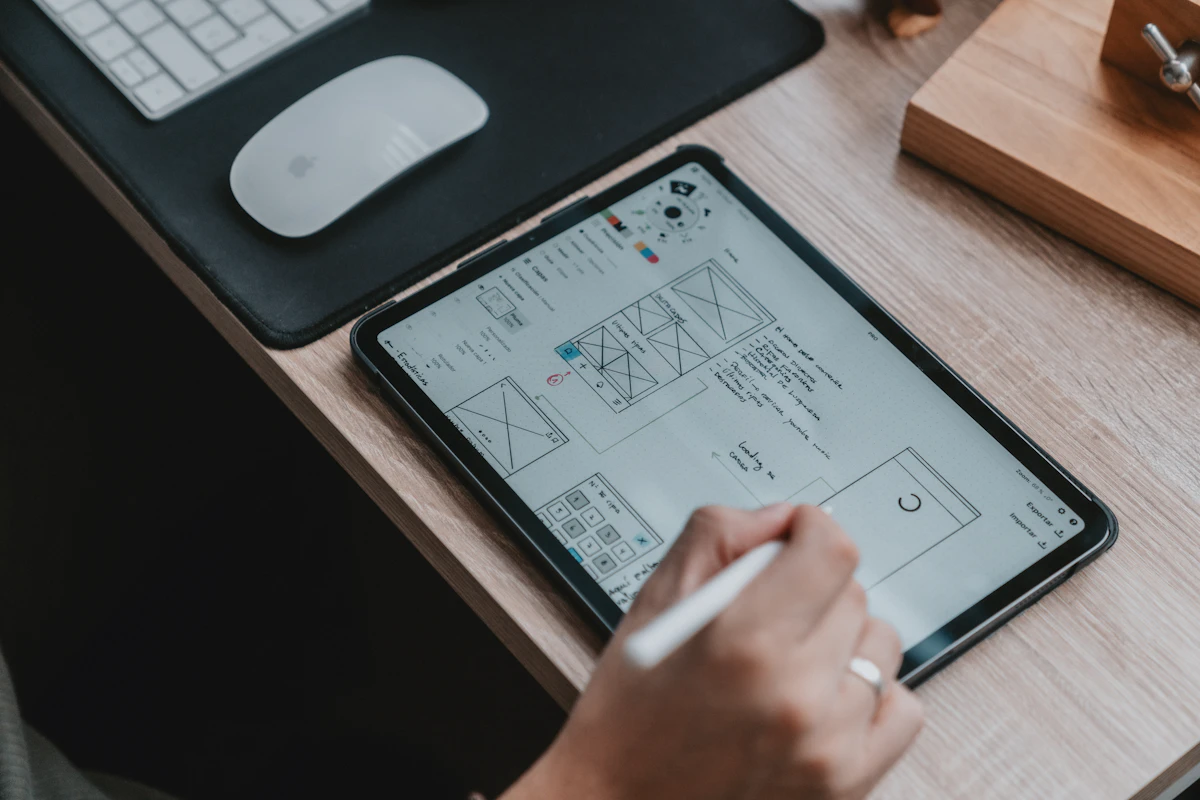
Built on Figma's design system.
We leverage Figma's powerful design system capabilities to build cohesive, scalable prototypes. Every file is developer-ready, documented, and yours to keep.
-
Cohesive prototypes — same visual language across every screen
-
User-centric design — usability and functionality first
-
Developer handoff — specs, tokens, and assets ready to build
Designers who've shipped real products.
We're not just designers — we've built products, launched features, and worked alongside engineers. That means our prototypes are grounded in what's actually buildable.
-
Experienced designers — web layout, mobile UI, Figma systems
-
Data-driven approach — user research and testing inform every decision
-
Seamless collaboration — we work with you throughout the process

A four-step prototyping process.
Define
Project goals, target audience, and core user journey — agreed upfront.
Sketch
Wireframes and low-fidelity layouts to lock in structure and flow.
Design
High-fidelity UI in Figma, linked screens, and fully clickable interactions.
Test
Real user testing, feedback, and iteration — ready for development handoff.
Common use cases for clickable prototypes.
Website design
Visualize layouts, user flows, and interactions before development.
Mobile app design
Test functionalities and user journeys on mobile devices.
Web applications
Prototype complex interfaces and interactions for custom web apps.
Enterprise software
Communicate design ideas and gather feedback from internal stakeholders.
MVP development
Validate core functionality and user experience before full-fledged development.
Investor pitches
Demo a realistic prototype that helps raise funding with confidence.
What clients say.
The clickable prototype from TekGenie helped us raise our seed round. Investors clicked through the app before a single line of code was written. Absolutely worth it.

Working with TekGenie saved us from building the wrong app. Two weeks of prototyping revealed three critical UX issues that would have cost thousands to fix later.

Questions you might have.
Clickable prototypes are interactive mockups of your website or mobile app that simulate real-world user interactions. Users can click through different screens, test functionalities, and experience the overall user flow — all before development begins.
Clickable prototypes allow for early user testing before development. This means you can identify usability issues early on, saving time and money on costly revisions later. They also help refine the user experience by incorporating real user feedback — a smooth UX can lead to increased conversions on your website or app.
The timeline depends on several factors:
- Project complexity: A simple website needs less time than a complex web app.
- Number of screens and interactions: More screens = more time.
- Design fidelity: High-fidelity takes longer than low-fidelity.
- Your experience level: If you're new to prototyping tools, it may take longer initially.
Typical projects take 1–3 weeks. We always agree scope upfront.
UI (user interface) design focuses on the visual elements of your website or app — buttons, menus, overall look and feel. UX (user experience) design focuses on the user's overall experience — ease of use, usability, and information architecture. Both are essential to a great prototype.
Absolutely! We offer full website and app development services to bring your clickable prototype to life. Most of our clients continue with us from prototyping into production — ensuring consistency between design and build.
Cost varies based on complexity, number of screens, and design fidelity. We offer a free consultation to discuss your specific needs and provide a custom fixed-price quote — no surprises, no hourly billing.
Yes — that's one of their biggest strengths. During development, you can use the prototype to conduct usability testing with real users, identify issues, and modify the prototype in Figma. This iterative approach ensures the final product delivers a superior user experience, with a clear reference point for developers.
Ready to validate your next product?
Book a free 30-minute consultation. We'll review your idea, recommend the right approach, and share examples of recent clickable prototypes we've built.